

Receive payments from
 at Zero Forex margin
100% safe and compliant • RBI approved • Made in India


Receive payments
from
at Zero Forex margin3x cheaper than PayoneerPay flat fee, No FX margin
100% safe and compliant • RBI approved • Made in India
Know what you pay
Get live FX rates with zero margin. No other hidden chargesFlat fee per payment
0.5%Minimum charge $7
Live FX rate at Zero margin
Easy EDPMS closure
Instant FIRA
"With Skydo, I am saving INR 10,000 per transaction!"

Tanay ShahFounder, Pardy Panda Studios
Save ₹96K annually with Skydo!
Over $1B processedTrusted by 40,000+ businesses
What you receive



₹9,51,651.93
Monthly revenueUSD 10,000
USD 2000USD 100,000
Monthly revenue
USD 10,000
USD 2000USD 100,000
Not just savings.
Skydo makes your payments seamless.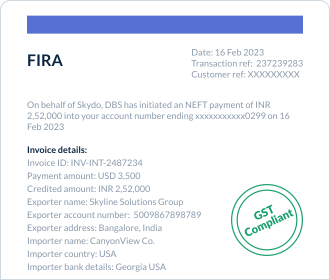
Instant FIRA and EDPMS closureGet FIRA instantly with every payment. Skydo also helps exporters with closing their EDPMS entry on DGFT portal.
EEFC accounts don’t get instant FIRA
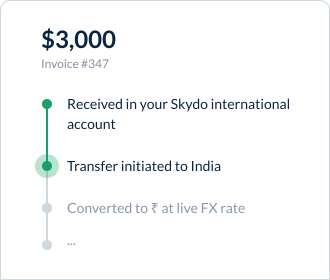
No follow-ups, Track paymentsTrack your payment in real-time, like an Amazon shipment and know where your money is at all times.
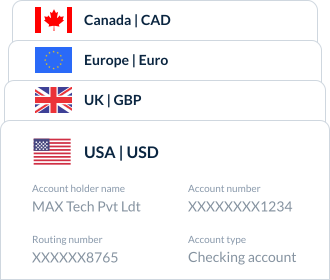
Global receiving account beyond AlibabaAccept international payments from multiple countries with local accounts—built for freelancers and businesses going global.
How to link Skydo to

1
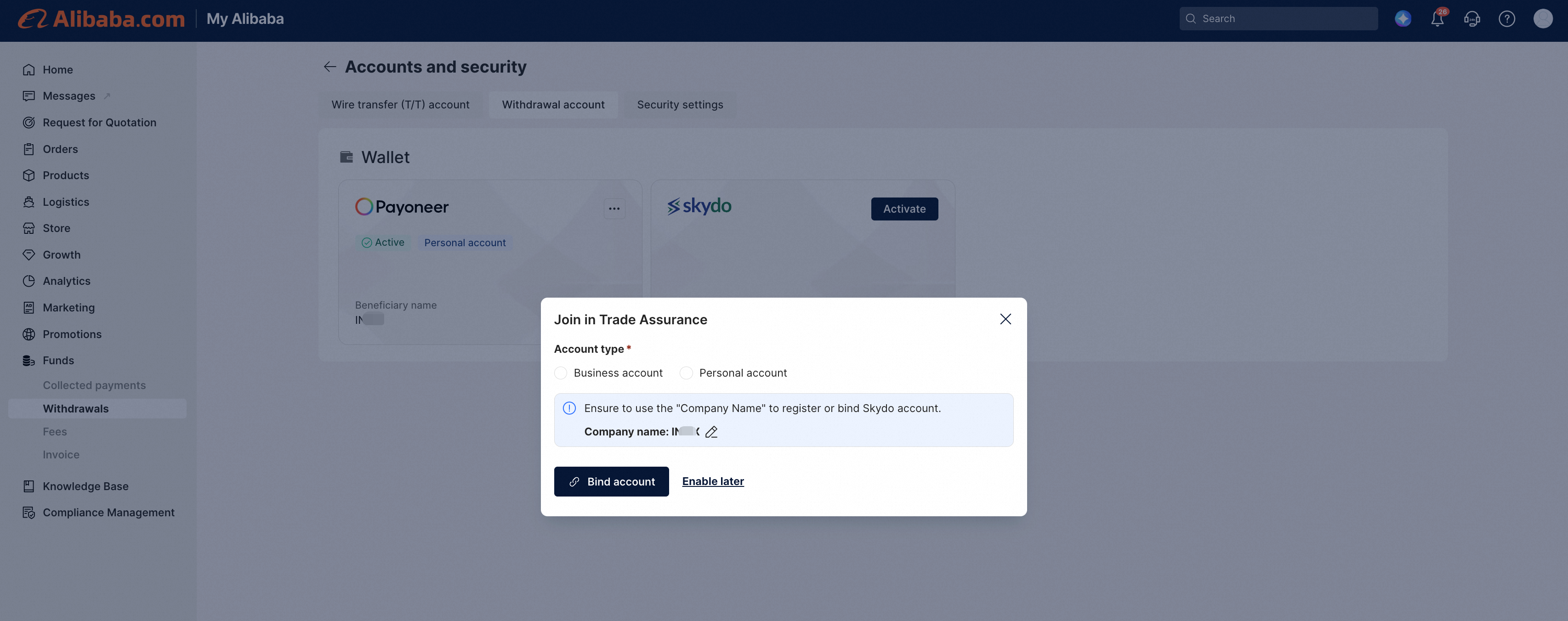
Go to “Withdrawals” in Alibaba Dashboard
You can access the Skydo account binding process through the following methods
- Alibaba.com > Create Order > Activate > choose Skydo
- Alibaba.com > Orders > Funds > Activate > choose Skydo
2
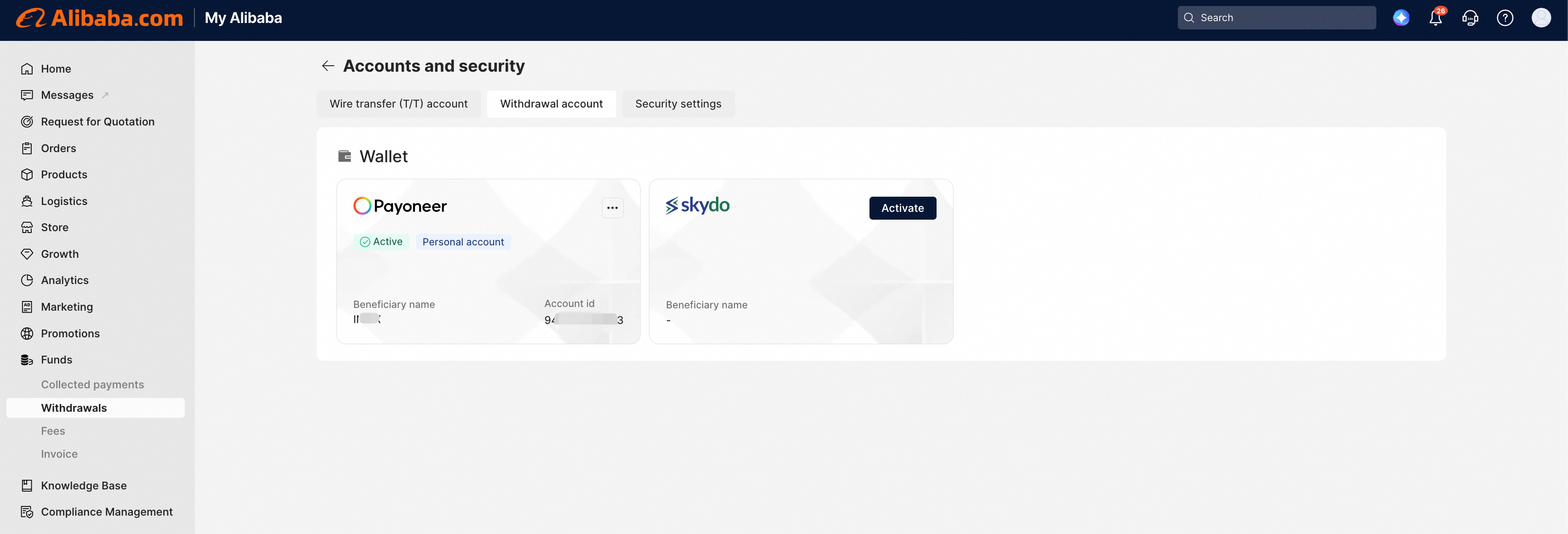
Click on “Activate” to start the process
After you click "Bind" on the Alibaba platform, you will be redirected to the Skydo login/registration page. Complete the onboarding steps.
3
Complete the Onboarding
Withdrawal to your Skydo accountYou can initiate a withdrawal in alibaba.com by navigating to Funds > Withdrawal.
If you already have aaccount, it will automatically get linked on signing in.
account, it will automatically get linked on signing in.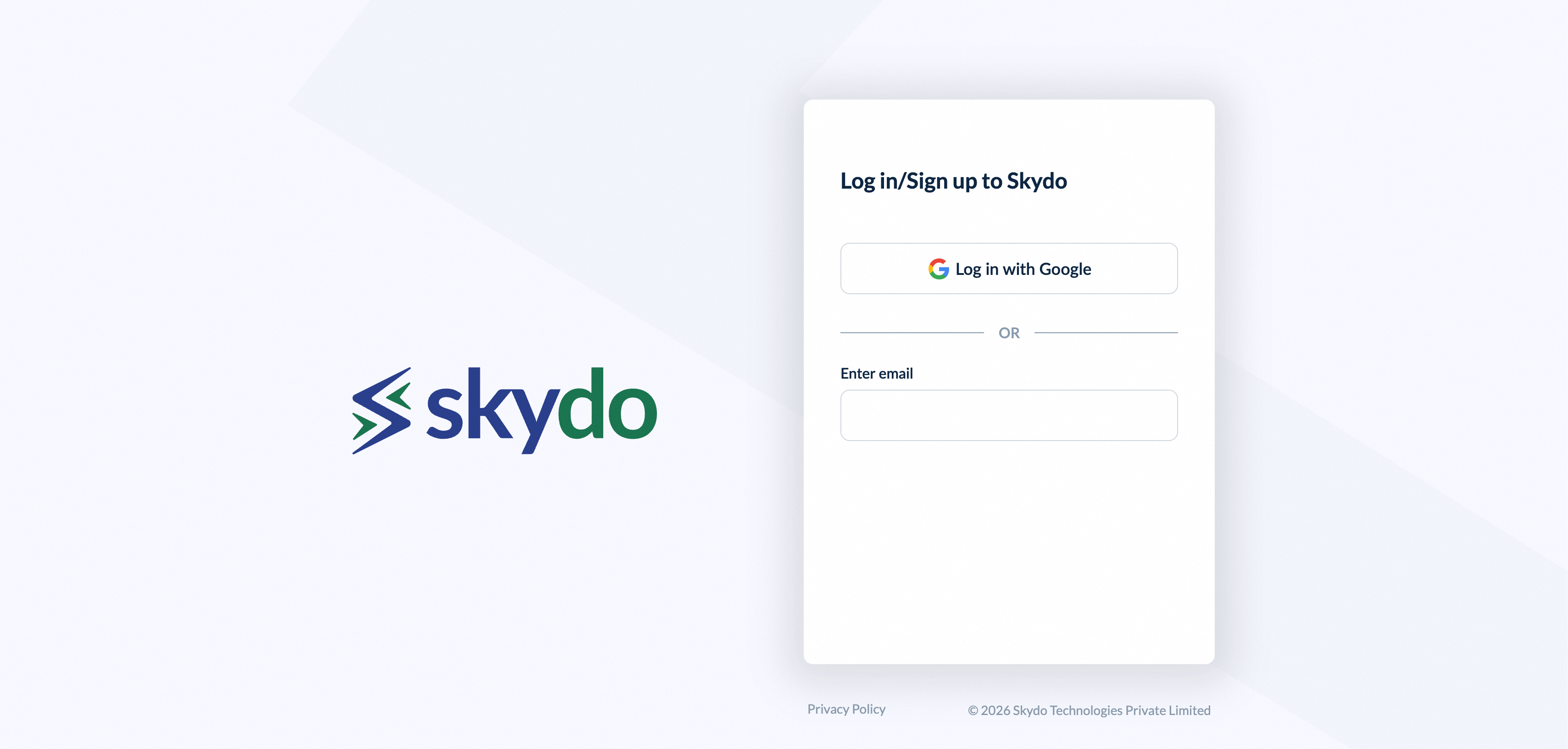
See what our clientssay about us

Prince Sharma | CEO, Prefigure TechnologiesPrince SharmaCEO, Prefigure Technologies

Chirag Lathiya | Founder, Tech-up LabsChirag LathiyaFounder, Tech-up Labs

Harshal | Founder, MobipriseHarshalFounder, Mobiprise
Bengaluru, Karnataka
Second Floor, Indiqube Serenity, Phase 2, 31, Hosur Rd,near Vishal Megamart, Muneswara Nagar, Sector 6, HSR Layout,Bengaluru, Karnataka, 560068
Company
Copyright © 2026 Skydo Technologies Private Limited