IEC Renewal: Process, Deadline, Charges & FAQs

TL;DR - Summary
- What is IEC renewal? - An annual update on the DGFT portal, in which every IEC holder confirms their business details between April 1 and June 30. The IEC itself never expires.
- What does IEC renewal cost? - Nothing for confirming unchanged details. Modifying your address, directors, or bank details costs ₹200.
- What happens if the June 30 deadline is missed? - DGFT deactivates the IEC on July 1. Customs clearances stop, and banks can hold inward foreign payments already in transit.
- Can a deactivated IEC be reactivated? - Yes. Filing the pending update on the portal automatically restores it, with no penalty fee from DGFT.
What Is IEC Code Renewal?
IEC renewal is the annual update DGFT requires from every IEC holder. Between April 1 and June 30 each year, you log in to the DGFT portal, check your business details, and resubmit them.
The name is where the confusion comes from. An IEC has lifelong validity, so nothing lapses and you never have to reapply. The annual update exists only to keep the existing code active.
You still have to file it when your address, contact details, and bank information match last year's. Confirming unchanged details counts as the update.
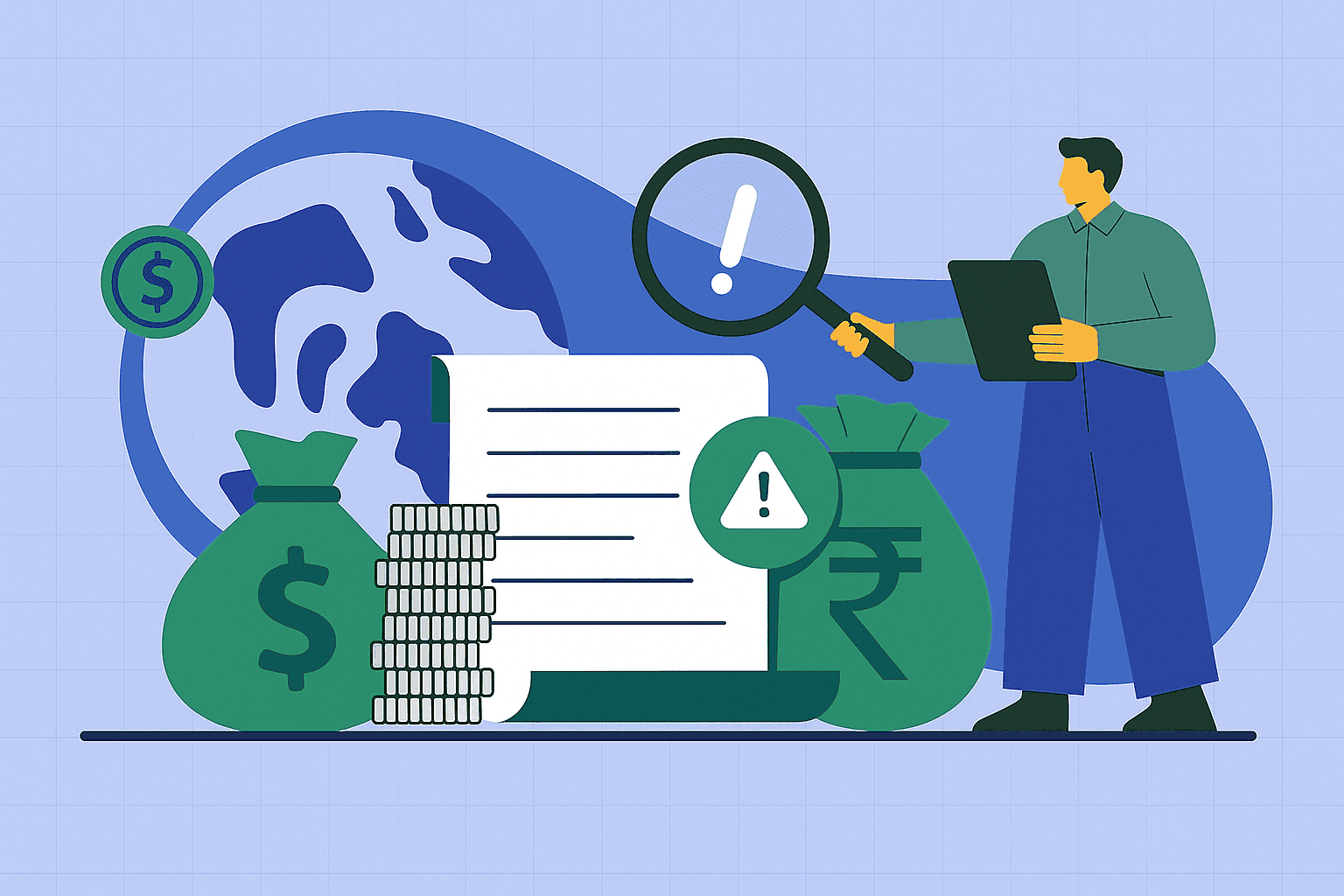
Miss the June 30 deadline, and DGFT deactivates the IEC on July 1, with no warning and no suspension stage in between. Imports and exports stop clearing, and banks can hold inward foreign payments linked to that code until it's active again.
⚠️ COMMON MISCONCEPTION
“IEC gets treated like a license that lapses and needs renewing.” It stays valid for life. The yearly task is an online confirmation, nothing more, even when none of your details have changed.
Why is IEC Renewal (Updation) Mandatory?
The requirement comes from DGFT Notification No. 58/2015-20, dated February 12, 2021, which amended the IEC provisions of the Foreign Trade Policy. Until then, an IEC was issued once and asked nothing of you afterward.
Since that amendment, every IEC holder has to confirm details electronically each year during the April to June window. IECs that aren't updated get deactivated and become active again only after the pending update goes through.
DGFT built the rule around four things:
- Data accuracy. The department uses IEC records for trade statistics, policy decisions, and regulatory oversight, which only works if the underlying details are up to date.
- Active status. Confirming your details is what keeps the code usable. Skip it, and your import and export operations stop at the same time.
- Compliance. An annual check keeps registered entities aligned with current trade rules and makes it harder for dormant or fraudulent IECs to sit unnoticed in the system.
- Communication. DGFT sends notifications and regulatory updates to the contact details on your profile. If your registered email is one you stopped checking three years ago, the reminders reach an inbox you'll never open, and the first sign of trouble will be a payment or shipment that stalls.
The money does not go back to your client. The bank holds it and comes to you for the IEC status. Once the code is active it credits, but your FIRA carries the date the bank released the funds rather than the date the client sent them, and those can fall in different quarters.

IEC Renewal (Updation) vs Modification vs Reactivation: What Is the Difference?
The DGFT portal handles three separate actions on your IEC, and they differ by when you do them, what changes, and what they cost.
Annual updation is the yearly confirmation. You log in between April 1 and June 30, review your existing profile, and submit it without making any changes. No fee applies, per DGFT Public Notice No. 49/2015-20. [Source: DGFT Public Notice No. 49/2015-20, March 31, 2021]
Modification is for when something about your business actually changes. A shifted registered office, a new branch, a change in directors or partners, a different bank account. You edit the relevant field, upload proof, and pay the ₹200 application fee. This one has no window attached to it, so you do it whenever the change happens, not in April.
Say you move your registered office in November. Waiting until the next April window would leave a wrong address on file for five months, and DGFT notices would keep going to the old one. You file a modification in November instead, then still complete the annual update in April.
Reactivation applies after the fact. If June 30 passed without an update and your IEC went inactive, the portal still accepts the pending update. Submitting it restores the code without a separate application and without a DGFT penalty fee.
| Action | Timing window | Data changes? | Government fee |
|---|---|---|---|
| Annual updation (renewal) | April 1 to June 30 | No | ₹0 |
| Modification | Anytime a change occurs | Yes | ₹200 |
| Reactivation | After July 1, once deactivated | Optional | ₹0 |
How To Renew Your IEC Online on the DGFT Portal?
How to renew your IEC on the DGFT portal
Hover over a step to see more.
Log in to the DGFT portal
Sign in at dgft.gov.in with your registered email and password.
New to the current portal? Create an account first using your PAN.
Open IEC Profile Management
From Services, pick IEC Profile Management, then Update IEC.
This opens your current IEC record for review.
Confirm or change your details
Check firm, director and bank sections, and edit only what changed.
Any edit needs proof, like a lease for an address change or a bank statement for account details.
Authenticate
Sign with a Class 3 DSC or Aadhaar eSign OTP.
Proprietors usually find Aadhaar quicker, since it needs no hardware token.
Submit
Review the summary and submit. The update processes immediately.
With authentication done correctly, there is no waiting for approval.
Download the updated certificate
Grab your e-IEC and check the status reads Active.
ICEGATE can take 24 to 48 hours to sync, so leave a buffer before shipping.
The whole process runs online and takes under an hour when nothing has changed.
Step 1: Log in to the DGFT portal
Go to dgft.gov.in and click Login at the top right. Sign in with your registered email ID and password. If you've never registered on the current portal, create an account first using your PAN.
Step 2: Open IEC profile management
From the top navigation, open the Services menu. Select IEC Profile Management, then click Update IEC.
Step 3: Confirm or change your details
The portal displays your current details in the following sections: firm details, proprietor, partner or director details, and bank account details.
If nothing has changed, read through each section, confirm the entries are accurate, and move ahead. If something has changed, edit the field and upload supporting proof, such as a new lease agreement for an address change or a recent bank statement for updated account details.
Step 4: Authenticate with DSC or Aadhaar eSign
Once you reach the declaration section, sign the submission using either a valid Class 3 Digital Signature Certificate or Aadhaar eSign with an OTP on your linked mobile number. Proprietors usually find the Aadhaar route quicker since it needs no hardware token.
Step 5: Submit
Review the application summary and submit. With authentication completed correctly, the system processes the update immediately.
Step 6: Download the updated certificate
Your updated e-IEC certificate becomes available for download immediately. To confirm it went through, go back to Services, then IEC Profile Management, then View IEC or Print IEC. The IEC status field should read Active.
One timing detail matters here. After the update reflects on DGFT, ICEGATE can take 24 to 48 hours to sync the active status. Customs clearances run off ICEGATE, so leave that buffer before scheduling a shipment against a freshly updated IEC.
✅ PRO TIP
Do this in April rather than the last week of June. The portal gets busy near the deadline, and filing early leaves room to fix any discrepancies if a section gets flagged.
What Documents Are Required for IEC Renewal?
For a straight annual update, the portal asks for no document uploads. As long as you're only confirming details that haven't changed, digital authentication via DSC or Aadhaar eSign completes the process. That's per DGFT Notification No. 58/2015-20, which requires electronic confirmation, not physical.
You will need a few things on hand to get through the login and the review:
- DGFT portal credentials. Your registered email ID and password.
- Active PAN of the business entity. The IEC is linked to PAN, so those details need to be accurate and up to date in the system.
- Registered mobile number and email ID. Both are used for OTP verification during login and eSign.
- Aadhaar linked to that mobile number, or a valid Class 3 DSC. One of the two is mandatory to sign and submit.
Documents come into it only when you're changing something during the same session. Modifying your address, directors, or bank details means uploading proof, and that path carries the ₹200 fee covered earlier.
For those changes, keep ready:
- Updated address proof, such as an electricity bill, water bill, rent agreement, or ownership papers, if your registered office has moved.
- A canceled cheque or bank statement, if your bank account has changed.
- An updated certificate of incorporation, partnership deed, or LLP agreement, if ownership or business structure has changed.
- Your GST registration certificate, if GST details need to be updated.
Freelancers and service exporters usually fall in the first camp. No shipments, no new branches, nothing to prove. You log in, read through three sections, sign with an Aadhaar OTP, and you're out in ten minutes.
💡 QUICK INSIGHT
The one detail worth checking properly is your bank account. Plenty of exporters switch banks or close an old current account and forget the IEC still points to the closed one. That mismatch surfaces later, when a payment or an incentive claim gets held up.
What Is the Deadline for IEC Renewal (Updation)?
June 30 is the deadline every year. The window opens on April 1 and closes on June 30, giving you 90 days to complete a task that usually takes ten minutes.
If you miss it, DGFT will deactivate the IEC from July 1. There's no grace period, no warning notice, and no intermediate suspended state where you can still operate while you sort it out. The status flips to deactivated and stays there until you file the pending update.
The window itself comes from DGFT Notification No. 58/2015-20 dated February 12, 2021, the same amendment that made annual updation compulsory.
DGFT does send reminders by email and through portal alerts, but those go to the contact details sitting in your profile. If that email is stale, the reminders land somewhere you'll never see, and the responsibility for filing on time stays with you regardless.
⚠️ WATCH OUT
Filing in April costs the same as filing on June 29, which is nothing. What differs is the room you leave yourself. Portal traffic climbs near the deadline, and if a section gets flagged for a mismatch, you'll want weeks to fix it rather than hours.
For anyone billing foreign clients, there's a practical reason to move early. Your inward payments go through banks that verify IEC status, so a deactivation in July can intercept funds that are already on their way from a client. Which brings up what actually happens when the deadline slips.
What Happens If IEC Renewal (Updation) is Missed?
The IEC is automatically deactivated on July 1, without notice or an officer reviewing your case. Four things follow.
Customs stops clearing shipments. ICEGATE blocks shipping bills and bills of entry, so cargo already at a port sits there while demurrage builds.
Banks can hold your foreign payments. Inward remittances tied to a deactivated IEC get questioned or frozen. Service exporters get caught here most often, since they have no shipments and assume an inactive IEC is only a paperwork issue.
Incentives and refunds pause. Pending scheme benefits, subsidies, and GST refunds stay unprocessed until the code is active.
Trade partners notice. A deactivated IEC is seen as a compliance lapse by banks and buyers.
All of it is reversible. Completing the pending update restores the code, which the next section covers.
⚠️ WATCH OUT
Payments already in transit from foreign clients can get held or queried, with FIRA issuance delayed alongside. The damage lands on money you've already earned.
How to Reactivate a Deactivated IEC Code?
Reactivation runs through the same annual updating process, just filed after the deadline. The portal keeps accepting the pending update even though the window closed on June 30, and there's no separate reactivation form to hunt for.
Three steps:
- File the pending update. Log in and go to Services, then IEC Profile Management, then Update IEC. Review your details and submit, exactly as you would during the April to June window.
- Let the system reactivate the code. Once the submission is completed with DSC or Aadhaar OTP authentication, the IEC is automatically restored. No application, no visit to a DGFT regional office.
- Check the status. Go back to Services, then IEC Profile Management, then View IEC. The status field should read Active.
DGFT charges no penalty for filing late. What the delay costs you is time, because imports, exports, and foreign payment processing remain blocked until the reactivation is reflected across systems.
ICEGATE matters again here. Allow 24 to 48 hours after the DGFT status turns active before booking customs clearance, since customs works off the ICEGATE record rather than the DGFT one.
💡 QUICK INSIGHT
Reactivation and annual updating are the same task on the portal. If you missed the window, you aren't applying for anything new, only filing what was already due.
How Does Skydo Help?
An active IEC opens the door. Getting the money through it is the next job.
Skydo gives Indian exporters and freelancers free virtual accounts in USD, EUR, GBP, SGD, AUD, and CAD. Share the details with a foreign client and payments arrive directly, with no SWIFT copies to chase.
Fees are flat rather than a percentage that grows with your invoice: $19 for invoices under $2,000, $29 for invoices up to $10,000, and 0.3% for invoices above that. Skydo estimates banks take up to 8% through forex markups and charges.
Every transaction includes a free FIRA. Credit is available within 1 working day, setup takes 5 minutes, and there are no monthly fees.
For DGFT compliance, Skydo also assists with eBRC closure. Link your account, bulk-upload shipping bills, and generate the eBRC with a click. EDPMS closure help is available too.
Does IEC need to be renewed every year even if I had zero exports?
Yes. Annual updating applies regardless of transaction volume. Skip the April to June confirmation, and the IEC gets deactivated on July 1.
How do I renew my IEC certificate online on the DGFT portal?
What is the fee for IEC renewal in 2026?
What happens if I do not update my IEC before June 30?
Do service exporters, IT firms, consultants, freelancers — need to renew their IEC?
What happens to pending foreign payments and FIRC if my IEC gets deactivated?
Can I reactivate my IEC after the June 30 deadline without paying a penalty?
How do I check my IEC status online?